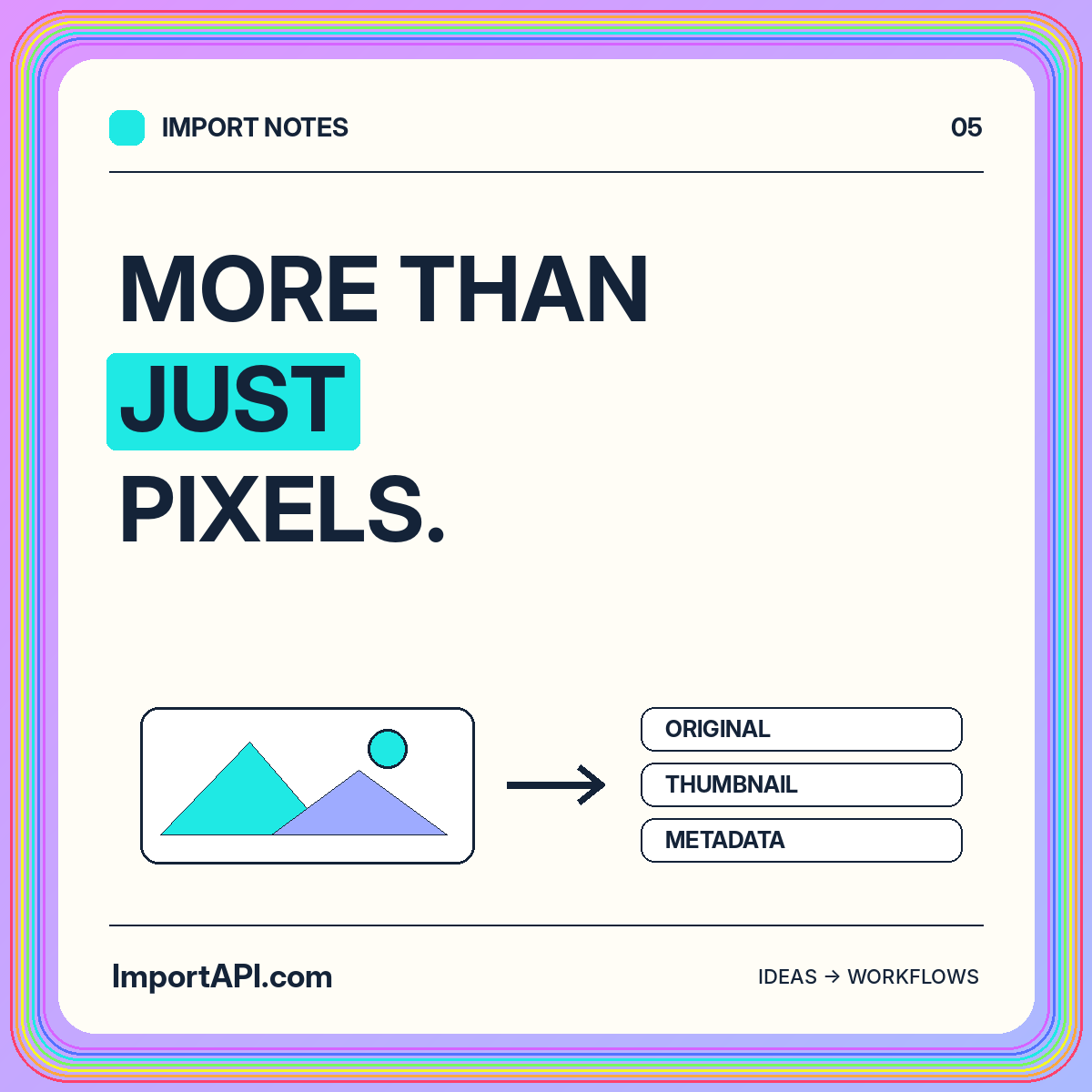
More than pixels. Better media records.
Connect original images, descriptive metadata, derivatives, and publication review in a maintainable product-image library.
Read the guideGOOD DATA. GREAT POSSIBILITIES.
Organize asset identity, original files, derivatives, descriptions, and publishing decisions.
Separate the asset from its source file and generated variants. Connect a product or article to an asset record rather than assuming a filename uniquely identifies the image. Retain the original filename as descriptive metadata.
Choose accepted formats and inspect files through a controlled processing path. Differentiate invalid content from a valid format that the library does not support. Route both outcomes to an understandable correction process.
Keep authorized originals separate from web derivatives when retention permits. Store dimensions, format, crop intention, and transformation version for each variant. Test orientation and visual detail on photographs and diagrams rather than assuming one crop rule fits everything.
Review embedded metadata and public descriptions separately. Information useful for internal provenance may not belong in a downloadable image. A description should fit the image’s actual context on the destination page.
Separate a successfully inspected file from an approved public asset. Require the appropriate product association, descriptive text, and content review before publication. Preserve a relationship between variants and their parent so replacement remains predictable.
Test exact duplicates, alternate crops, missing descriptions, and deletion. A maintenance operation should reveal which references depend on an asset before those references become broken images.
Choose a representative source, an owner for the destination contract, and a small set of results that a reviewer can inspect. Include a correction case and an interrupted attempt before expanding the workflow.
The developer guides connect these planning decisions to record shapes and local examples. Keep your implementation narrow enough that its outcome is easy to explain.
Connect original images, descriptive metadata, derivatives, and publication review in a maintainable product-image library.
Read the guideReview format policies, authorization, isolated parsing, resource limits, inert previews, and cleanup across the complete import lifecycle.
Read the guide