CSV or XLSX? Make every field count.
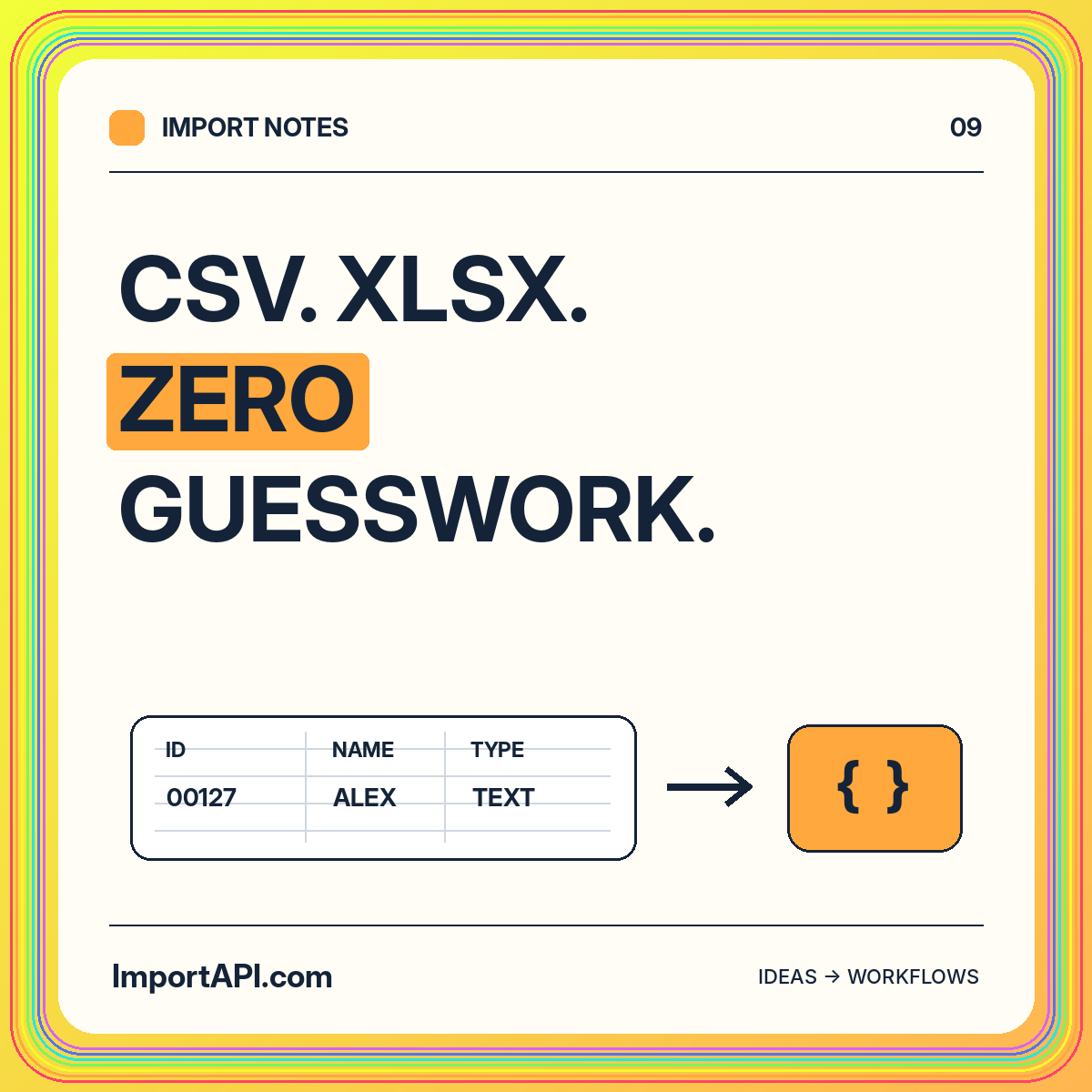
Navigate CSV quoting, workbook sheets, leading zeroes, date ambiguity, and correction-friendly previews without losing the meaning of your data.
Read the guideGOOD DATA. GREAT POSSIBILITIES.
Give customers a clear path from their first spreadsheet to useful application records.
Start with a sample file that mirrors the customer’s actual destination. Explain the required identifier, accepted header names, and treatment of blank values. Keep the initial contract small enough to review without an implementation meeting. A preview should connect familiar source columns to the fields in your application.
Do not hide invalid values behind an import-failed message. Identify the record and field that need attention. Distinguish a correctable source issue from a permission or processing problem, and route each to the right person.
Keep a versioned mapping for repeat exports from the same source. Show transformations explicitly, particularly dates and identifiers. Let the customer review a representative preview, then validate the full collection before treating it as ready.
Define whether valid records can proceed when other rows fail. Explain how the customer should resubmit corrections and whether already accepted rows will be updated or skipped. The correction path is part of onboarding, not an afterthought.
Use a small dataset with a blank required value, a duplicate identifier, and a correctly formatted update. Check that source totals reconcile with accepted and rejected records. Ask someone unfamiliar with the import to repair the example using only its report.
A useful handoff ends with understandable records and an explanation of anything left behind. Track correction effort and unresolved imports rather than treating the number of uploaded files as the only measure of progress.
Choose a representative source, an owner for the destination contract, and a small set of results that a reviewer can inspect. Include a correction case and an interrupted attempt before expanding the workflow.
The developer guides connect these planning decisions to record shapes and local examples. Keep your implementation narrow enough that its outcome is easy to explain.
Navigate CSV quoting, workbook sheets, leading zeroes, date ambiguity, and correction-friendly previews without losing the meaning of your data.
Read the guideSeparate transformations from validation, make every conversion explainable, and design useful errors around an explicit destination contract.
Read the guide