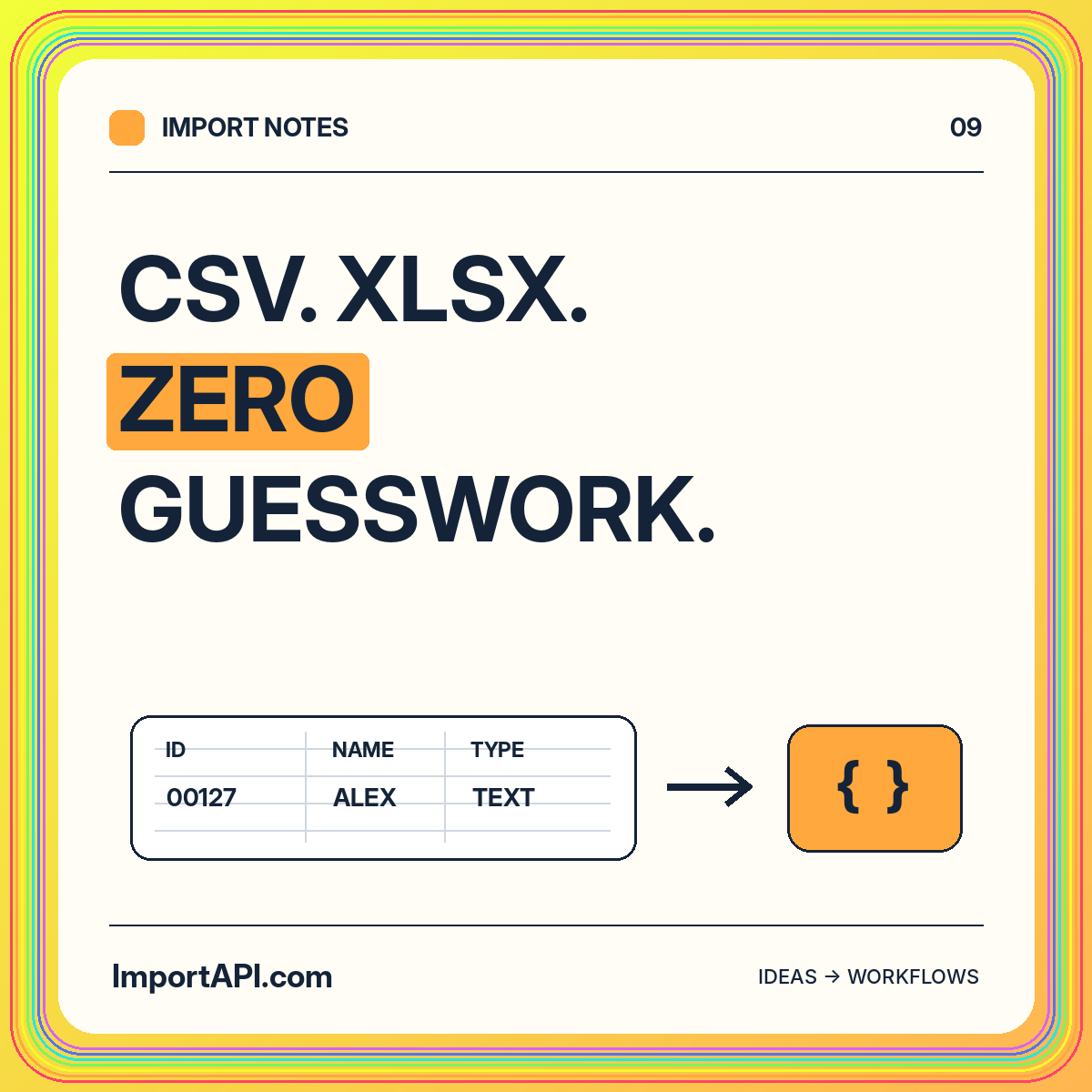
CSV or XLSX? Make every field count.
Navigate CSV quoting, workbook sheets, leading zeroes, date ambiguity, and correction-friendly previews without losing the meaning of your data.
Read the guideGOOD DATA. GREAT POSSIBILITIES.
Make the handoff between a spreadsheet and your application understandable. Explore CSV and XLSX parsing decisions, column mapping, and correction-friendly previews.
Select the intended worksheet and header row explicitly. Check duplicate or blank column names before mapping. Keep instructional rows and totals outside the accepted data region. A recurring import should reuse an approved mapping rather than silently guessing on every new export.
Keep a representative input file that includes ordinary rows, an optional blank field, and an identifier with leading zeroes. That fixture makes the agreed handoff concrete.
Do not treat a digit-only identifier as a number by default. Write down date conventions, decimal separators, currency rules, and how blank cells behave. For workbook formulas, test the chosen parser and define whether stored results or values-only exports are required.
CSV quoting is a parsing concern, not a field-mapping shortcut. The complete guide covers quoted commas and line breaks and links to the documented CSV format.
Return a source row and column reference with each rejected value. Distinguish an unsupported file layout from a record that violates a business rule. Show the intended destination field beside the original header so the operator can correct the right source.
Test updates as well as inserts. Existing destination records and duplicate rows within one file need different policies, particularly when a corrected batch is submitted again.
Use a small, representative source and write down the expected result for one accepted record, one correction, and one repeated attempt. Keep the original values and the destination expectations visible throughout the review.
Use the format guides for source decisions and the local quickstart to see a simple mapping in action.
Navigate CSV quoting, workbook sheets, leading zeroes, date ambiguity, and correction-friendly previews without losing the meaning of your data.
Read the guideSeparate transformations from validation, make every conversion explainable, and design useful errors around an explicit destination contract.
Read the guideTurn external records into clear, validated application data. A practical introduction to contracts, transformations, errors, and job lifecycles.
Read the guide