An image import is not just a transfer from one folder to another. A useful media record connects the original asset to its identity, dimensions, intended use, descriptive text, permissions, and generated variants. Without that structure, a growing library becomes a collection of duplicated filenames and thumbnails whose relationship to the original is unclear.
This guide proposes a workflow for a product-image library. The team receives authorized photographs and diagrams from several internal sources, then prepares consistent assets for a website. The examples focus on decisions you can make and test rather than assuming every file is safe, every caption is accurate, or every image should be published immediately.
Define what a media record represents
Decide whether a record represents a specific file, a creative work, or an image associated with a particular product. These concepts overlap but are not identical. The same photograph can exist as an original file, a cropped thumbnail, and a compressed web variant. A product can have several distinct photographs. Model those relationships explicitly.
A useful starting record has an asset identifier, a source reference, an original filename, a verified media type, dimensions, and a publication state. Add product associations separately. Avoid making the original filename the permanent primary key; two different sources may both provide an image called front.jpg without referring to the same product or the same photograph.
Accept a deliberate set of formats
Choose accepted formats according to the destination and the tools used to inspect them. A product library might initially accept a narrow set of raster images while treating vector artwork as a separate workflow. Narrow scope reduces the number of decoding, transformation, and display behaviors you need to understand and test.
The MDN image format guide describes common image formats and their characteristics, including differences in compression and transparency support. Use that reference to inform format choices, then test the actual source material and target environment. A format's general capabilities do not guarantee that every uploaded file is valid or that a particular conversion preserves the details important to your use case.
Inspect the file rather than trusting its label
A filename and a supplied media-type label are useful clues, not proof of content. Use appropriate validation and decoding within a controlled processing environment. Set limits before expensive work begins, and handle unsupported or damaged files as explicit outcomes. Keep the reason understandable to the person who supplied the asset.
Distinguish an invalid file from a valid but disallowed format. A product team can respond differently to those two reports. The first may require obtaining an uncorrupted original; the second may require an approved conversion or a policy change. The secure import guide discusses the broader boundary around untrusted files.
Preserve originals and name derivatives clearly
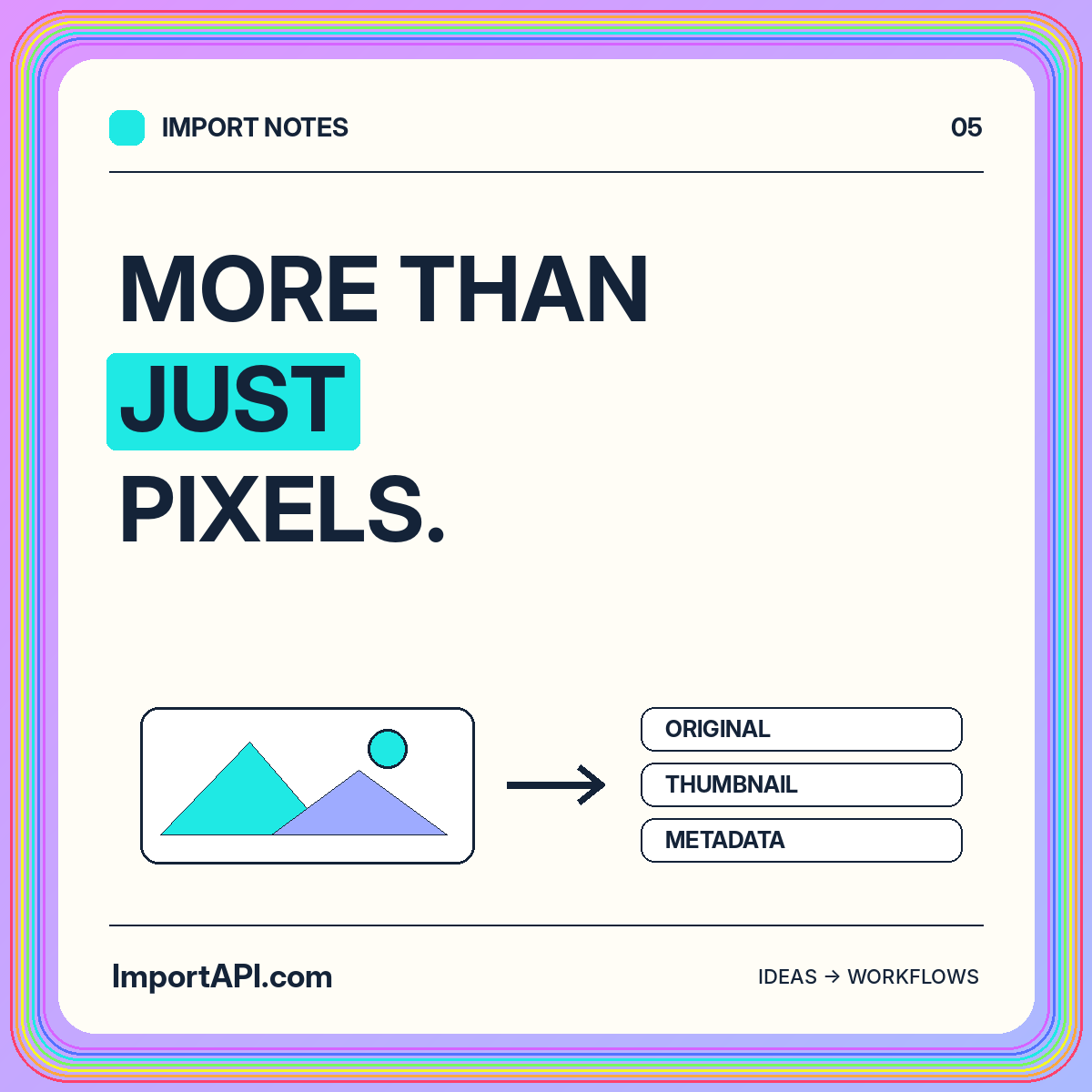
Keep the authorized original separate from generated variants when your retention policy allows it. A thumbnail is a derived artifact, not a replacement for the source. Record the transformation recipe so a future design change can produce another size or crop without guessing how an older variant was made.
Choose stable identifiers for derivatives and connect them to the parent asset. For example, distinguish a square catalog crop from a wide editorial crop. A filename containing the word final does not explain those relationships. Include output dimensions, format, and recipe version in metadata rather than relying entirely on naming conventions that people may interpret differently.
Check orientation and visual consistency
An image that appears correct in one viewer may need normalization before it is used consistently in another workflow. Inspect orientation handling with representative source files and ensure the stored dimensions describe the intended displayed result. Test portraits, landscapes, and images whose orientation metadata affects presentation.
Visual consistency also depends on cropping rules. A centered crop may work for a simple product photograph but remove essential labels from a diagram. Let the asset's purpose influence the rule. Avoid applying an aggressive automated crop to every image merely because the website uses square cards. A preview and review step can catch obvious losses of meaning.
Treat embedded metadata as a policy decision
Files may contain descriptive and technical metadata beyond the pixels. Decide what to preserve, what to expose, and what to remove from public derivatives. Information useful for internal provenance may be inappropriate for a public asset. The policy should reflect the collection and its intended audience rather than a blanket assumption that more metadata is always better.
Keep useful provenance in a protected media record even when a public derivative excludes embedded metadata. This separates operational traceability from public disclosure. Ask the content owner which fields are authoritative; an embedded description may be outdated or copied from an earlier file and should not automatically become a trusted caption.
Write descriptions for the destination context
Alternative text and captions serve different purposes. A caption can add editorial context, while alternative text should help convey the image's relevant meaning in the surrounding page. A file import can carry existing descriptions, but it should not assume that the same wording fits every placement of the asset.
For a product image, identify what the reader needs to learn from that view. For a decorative texture, the appropriate treatment may be different. Keep a review field for imported descriptions and avoid substituting filenames such as IMG_2048 into user-facing text. Descriptive quality is a content responsibility that file validation alone cannot solve.
Identify duplicates without confusing similarity
An exact file fingerprint can identify repeated bytes, but two visually similar images may be different files. Conversely, the same photograph can have several legitimate crops or compression settings. Decide whether your duplicate policy concerns identical originals, redundant derivatives, or duplicate product associations. These are different cleanup tasks.
Review similarity before removal
When similarity tools are part of the workflow, treat their output as a review signal rather than automatic permission to delete assets. Keep the comparison context visible. A small label change on product packaging may matter to the catalog even when the rest of the image looks nearly identical. Preserve a reversible decision path for uncertain cases.
Publish only after the record is complete
Separate received, inspected, reviewed, and published states. A successful file decode should not automatically make an asset public. The media record may still lack a product association, an approved description, or evidence that it belongs in the collection. Explicit states help route work to the right owner.
Validate the selected derivative before linking it from a page. Confirm that it exists, has the expected dimensions, and is associated with the intended original. Broken image paths and incorrect variants are operational problems that deserve tests. The media libraries solution shows how these stages can fit together without mixing upload status and publication approval.
Test the whole asset lifecycle
Build a fixture set containing a transparent image, a portrait, a diagram with small text, a duplicate file, and an unsupported format. Include an asset missing required descriptive metadata. Define the expected result for each stage, including which files should remain unpublished and what correction message the operator should see.
Test deletion and replacement too. Replacing a product photograph should not accidentally break another page that references the original asset. Decide how old derivatives are retired and how cached references are handled in your deployment. Record relationships clearly enough that maintenance work does not depend on somebody remembering why a particular file exists.
Conclusion: organize meaning around the pixels
A reliable image import creates a maintainable media record, not merely a successful copy operation. Keep original and derived assets related, validate the accepted formats, review descriptions, and distinguish file processing from publication. These choices make later resizing, replacement, and cleanup much less ambiguous.
Use the image import API overview to plan your first implementation. Begin with a small, representative collection and a clear destination use. An asset library earns its value when the team can find the right image, understand its history, and publish an appropriate version without reconstructing its story from filenames.